I updated ToneX last week expecting the usual round of small fixes. Instead I ended up re-capturing three amps that I had written off as “good enough.” The capture workflow is the part that changed, and it changed in ways that matter when you are standing in front of a real amp with a microphone rather than auditioning someone else’s preset factory.
I ran the new workflow against a Fender Deluxe Reverb reissue, a Vox AC15, and a stubborn old Gibson combo I keep around because it refuses to play nice with modelers. Here is what the update actually does in a room, and where it still trips over its own feet.
What the capture workflow now asks of you
ToneX has always been a profiler, not a synthesizer. You feed it a DI signal, it listens to the amp, and it builds a model. The previous versions wanted a clean, level-matched signal and little else. The new workflow gives you more intermediate checkpoints, letting you confirm levels and audition the result before you commit to a full capture pass.
That sounds like a minor quality-of-life tweak. In practice it saves a lot of time. On the Deluxe Reverb I used to run a capture, listen, discover the input was clipping, and start over. Now I catch the clipping before the dump. The difference is maybe four minutes per amp. Four minutes you are not spending re-miking.
Set the amp, then leave it alone
The single biggest thing I can tell you: get the amp dialed before you open the software. Every knob you touch mid-capture becomes a variable the model has to average out, and averaged amps sound flat. Bright cap, reverb level, the master if it has one. Decide, then walk away from the amp.
I capture at a moderate volume. Not bedroom quiet, not gig loud. The AC15 at around the point where it just starts to break up gave me a model that cleaned up beautifully on the guitar volume knob, and that is where a good capture earns its keep.
Mic placement still decides everything
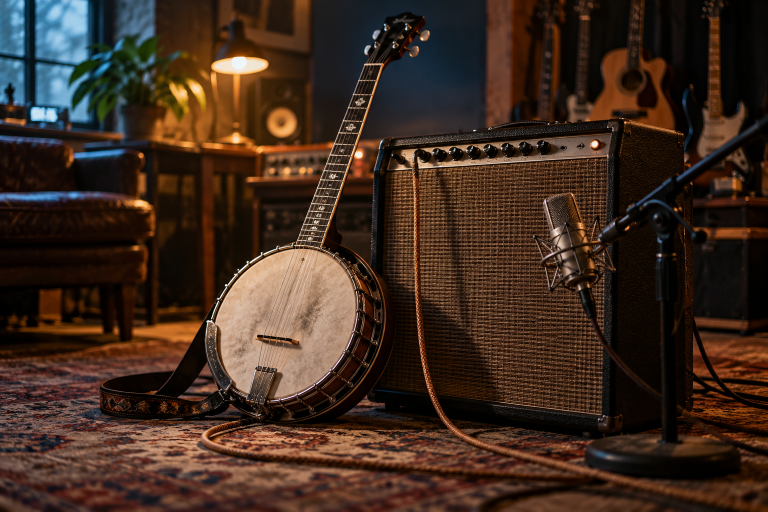
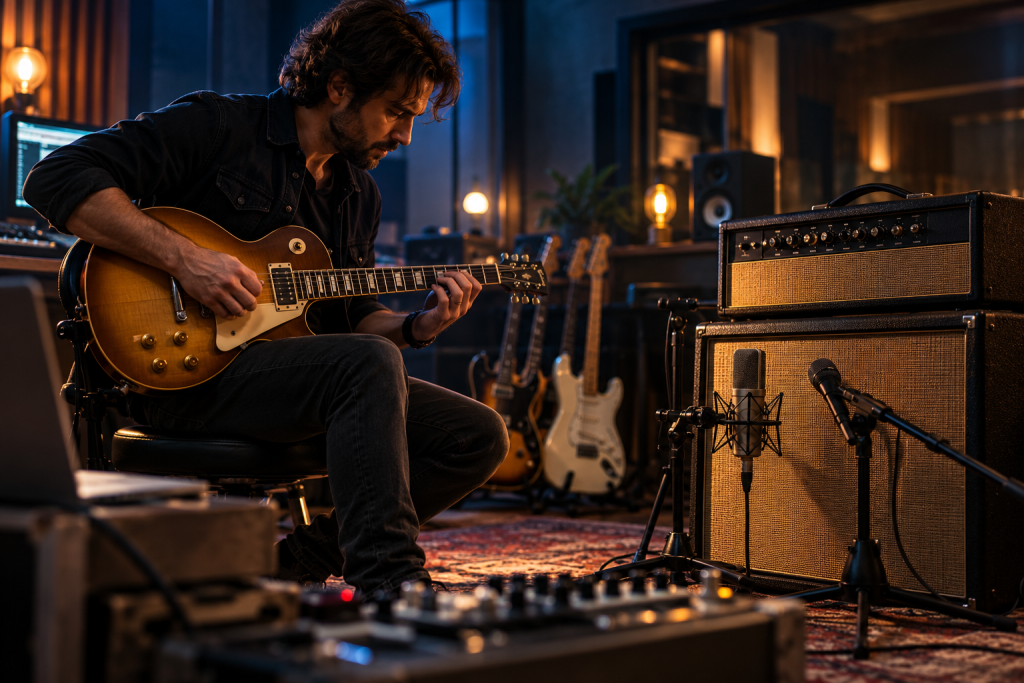
No profiler can rescue a bad microphone position. A 57 two inches off the grille, dead center on the dust cap, will give you a capture that is all ice-pick. Move it out toward the cone edge and back an inch and you get something a guitar sitting in a mix can actually use.
Blend rule I keep coming back to: one close mic for punch, one room mic for oxygen. Blend to taste, print the blend, capture the blend.
Capture the blended sound, not just the close mic. If your capture only hears the close mic, you are locked into that dry, forward tone forever. If it hears a bit of room, the model breathes, and you can always subtract room later with a high-pass or a tight reverb. Adding room that isn’t there is much harder.
How the captures held up in a mix
Here is the honest part. On their own, solo, all three captures sounded great. In a dense arrangement with drums and bass, the Gibson capture that flattered my ears at home started to sound boxy and one-dimensional. The Deluxe capture, less exciting alone, sat in the mix like it belonged there.
That mismatch between “sounds great alone” and “works with a band” is not unique to ToneX. Any experienced engineer will tell you a flattering sound that flatters at low volume can collapse at high volume or in a full arrangement. The lesson for capture users is to audition your models in context before you decide they are finished. Drop a drum loop under your capture and judge again.
What it does poorly
Two annoyances worth naming. The intermediate checkpoints are useful but the naming and file management around captures still feels like an afterthought. I ended up with three versions of the same amp because I could not keep track quickly. And the workflow is sensitive to your interface’s input gain in ways I wish it were not. Get the gain staging wrong and the capture tells you nothing useful until you listen back. There is no magic warning light.
Neither of these is a dealbreaker. Both are the sort of friction you learn to work around in an afternoon. But do not expect the software to hold your hand.
Does it beat just using a real amp?
For recording, the capture workflow earns its place because it lets you keep a sound you dialed on a Tuesday even after the amp goes back to the shop. That is a genuine practical win for a teacher who has students coming through with different rigs and different ears. I capture a student’s amp tone once, and they can practice through headphones with their own sound. That is worth more to a teaching room than any single feature.
For live use, I would still rather carry the amp. But the models are close enough now that I do not wince when I hear them on a recording.
The takeaway I actually use
Treat the new capture workflow as a tool for removing sloppiness, not for adding magic. Slow it down. Dial the amp first. Move the mic until the headphones tell you the truth. Capture the blend. Audition in a mix before you call it done.
If you do those four things, the update is genuinely worth the re-captures. If you skip them, no amount of extra checkpoints will save the tone. The software got better. The amp and the microphone still have the final say.